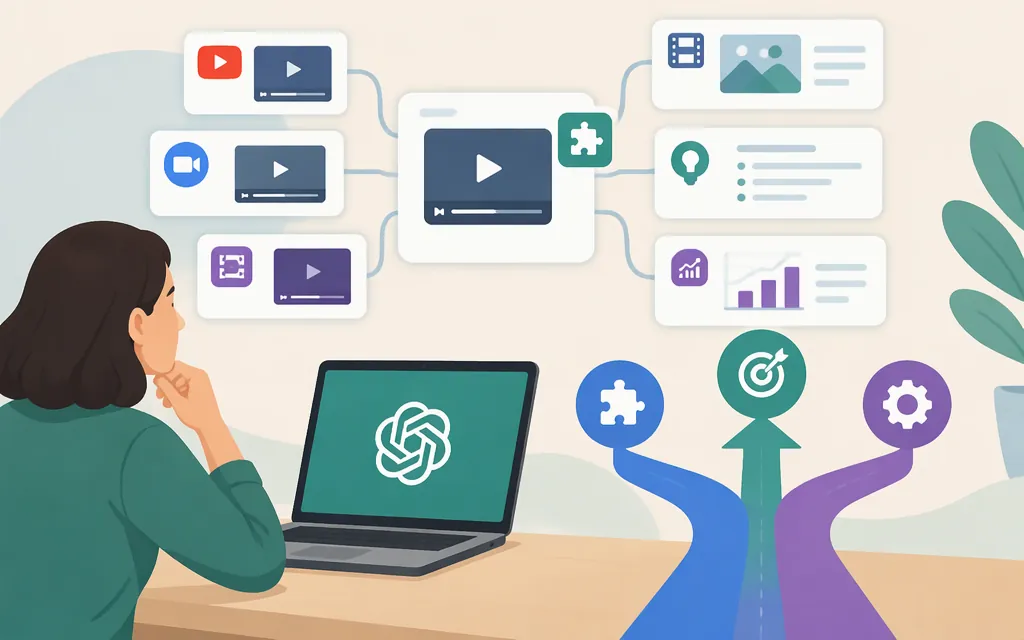
Short answer: VideoInsights.ai documents a VideoInsights app for ChatGPT and Codex and says its older custom GPT is being retired in favor of the app. This establishes a vendor-documented move from a custom GPT to an app; it does not establish that the app is the successor to every product previously called the “Video Insights plugin.” The vendor says the app can analyze YouTube links and files in your VideoInsights library. To use a file, upload it to VideoInsights first—not directly inside ChatGPT through this app. (Vendor app guide)
How to connect: In ChatGPT, find VideoInsights in the app directory and choose Connect. The vendor says you’ll be sent to VideoInsights to sign in or create a free account, then approve the requested permissions. After connecting, ask ChatGPT about a YouTube video or a file in your VideoInsights library. The vendor guide says a free account can be created; it does not specify whether a paid VideoInsights plan is required for app analysis. (Vendor app guide)
The app may not appear for every ChatGPT user: OpenAI says app availability can depend on your plan, region, account, workspace, role, model, and interface. In a managed workspace, an administrator may also need to enable it. Check whether VideoInsights appears in your app directory and, if you use a managed workspace, ask your administrator if it is unavailable. (OpenAI app availability and connection guidance; OpenAI account-connection guidance)
Is “Video Insights” still a ChatGPT plugin?
The route documented by VideoInsights.ai is its app, not the older custom GPT. The vendor’s guide describes the custom GPT as being retired in favor of the app; it does not establish the history or identity of a particular legacy plugin with the exact name “Video Insights.” For current connection steps, use the vendor’s app guide rather than relying on unconfirmed directory instructions. (Vendor app guide)
The guide says the app uses your VideoInsights account and media library. It requests permission to read library information and analyze media, and the vendor says you can disconnect it through ChatGPT’s apps or connectors settings. Review the requested permissions and the vendor’s privacy information before connecting sensitive media. (Vendor app guide)
What the app supports
According to the vendor, you can ask ChatGPT about a YouTube video or a file already in your VideoInsights library. For a file, the documented workflow is to upload it to the VideoInsights web app first; the app does not accept direct video-file uploads inside ChatGPT. (Vendor app guide)
Choose by input and workflow:
- YouTube link and questions in ChatGPT: Find and connect the VideoInsights app, if it is available to your ChatGPT account.
- Your own video file: Upload it to the VideoInsights web app first, then use the connected library or analyze it in the web app.
- Automated processing: VideoInsights describes a separate API, but the analysis operation and input-to-result workflow have not been established here. Verify those details before selecting it for production.
- Direct video attachment in ChatGPT: This article does not establish a supported direct video-file attachment workflow through the VideoInsights app.
VideoInsights API versus OpenAI API
The VideoInsights API is separate from the OpenAI API. The vendor’s API FAQ says it accepts common video formats—including MP4, MOV, AVI, MKV, and WebM—and YouTube URLs; its REST documentation says requests use a vendor API key in the X-API-Key header. The vendor also says rate limits vary by plan. (Vendor API FAQ; vendor REST API guide)
Those facts establish an API offering and some inputs and authentication, but they do not establish a specific current analysis operation, whether results are returned immediately or through a later retrieval step, or the complete response workflow. Production suitability is therefore unverified here. Before building against it, confirm the current endpoint, how media is submitted, how results are retrieved, and the limits that apply to your plan. Do not infer those details from the ChatGPT app workflow.
For the OpenAI API, likewise, do not assume that a ChatGPT-facing feature is available through an API. An OpenAI cookbook example demonstrates one video-analysis pattern: extract selected frames and submit them as image inputs. The example is archived, so treat it as an illustration—not as current production instructions or evidence of native video input. Confirm the model, request method, and constraints in current OpenAI API documentation before implementation. (OpenAI vision guide; archived OpenAI video example)
Practical choice: For a hosted workflow with a ChatGPT connection, first check whether the VideoInsights app appears in your ChatGPT app directory, then follow the vendor’s connection flow. For a production API, choose neither route until you have confirmed its current request and response workflow against official documentation. OpenAI’s ChatGPT FAQ cautions that video analysis may be incomplete or inaccurate; that warning concerns analysis reliability, not whether a particular video-upload method is supported. (OpenAI FAQ)
Pricing and a quick cost check
The available vendor pricing information lists Free at $0, Advanced at $10 per month, and Professional at $20 per month. The vendor’s example prices a 10-minute video at 10 tokens for audio-only analysis or 160 tokens for audio plus visual analysis. These figures do not establish which plans include ChatGPT app analysis or what token allowance applies to each paid plan. Confirm current prices, plan eligibility, and allowances on the vendor’s pricing page before purchase. (Vendor pricing)
A simple validation checklist
Before relying on a video-insights tool for research, content review, or production work:
- Test a video you know well. Check a specific spoken quote and visual event against the original.
- Separate transcript-based answers from visual claims. Verify each against the relevant portion of the video.
- Test difficult cases that matter to your work, such as brief on-screen text, fast cuts, or multiple speakers.
- Check access before committing. Confirm the app is available in your ChatGPT account and verify any plan requirements with the vendor.
- For API use, verify the actual operation. Confirm the endpoint, authentication, media-submission method, result retrieval, rate limits, and expected token use before scaling.
Treat generated summaries as a starting point, not a substitute for checking consequential details against the source video.
Sources
VideoInsights.ai: ChatGPT and Codex app
OpenAI Help Center: Connected apps in ChatGPT
OpenAI Help Center: Connecting and managing app accounts in ChatGPT
VideoInsights.ai: API and technical FAQ