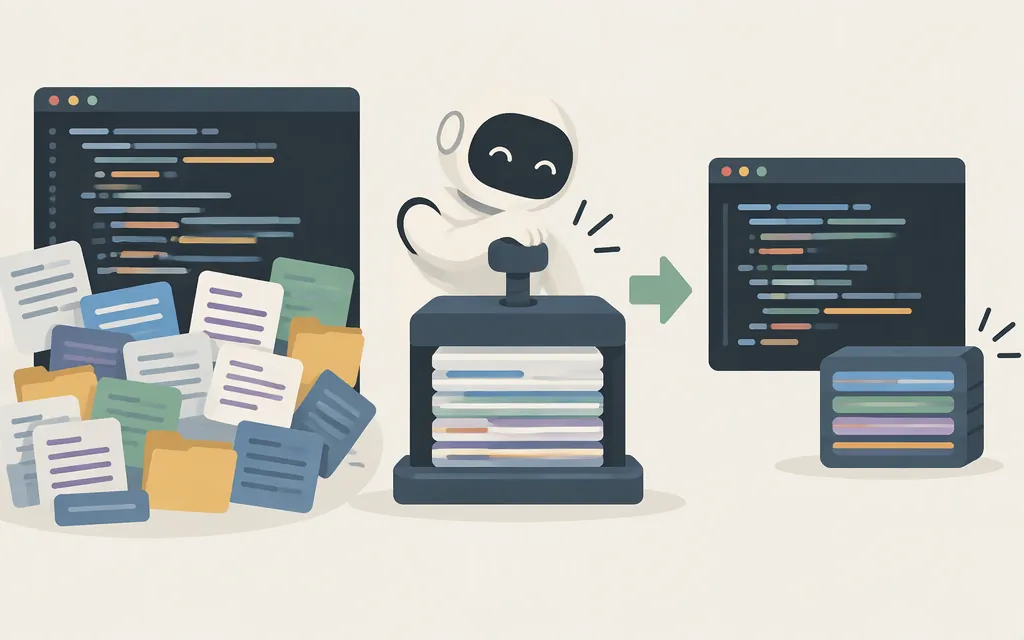
In Claude Code, compacting means summarizing conversation history and replacing older turns in the context Claude uses. This frees room for more work in the same session, but the summary is not a guarantee that every detail or instruction will carry forward. Anthropic’s Claude Code documentation describes /compact as summarizing the conversation to free context and shows it replacing the conversation with a structured summary.
Automatic compaction, /compact, and /clear
- Automatic compaction summarizes older context when Claude Code needs room as the context window fills. It is the hands-off option; don’t assume the resulting summary will preserve every detail.
/compactasks Claude Code to summarize the conversation when you choose. You can provide a focus—for example, Anthropic documents/compact focus on the API changes—but a focus request is guidance, not a guarantee./clearstarts fresh instead of summarizing the current conversation. Use it when you want a new context, not when you need earlier discussion summarized.
To see what is using context, run /context. If the session is long and you’re about to switch tasks, a practical choice is to run /compact with the key decisions or current task in focus. If you want to discard the conversation and start over, use /clear.
What can compaction leave out?
Compaction replaces older turns with a summary, so details that are important to you may be shortened or omitted. Anthropic recommends adding a “Compact Instructions” section to CLAUDE.md or giving /compact a focus to guide what the summary should retain. For example, for a session about an API migration, you might ask it to focus on API changes. Treat that as guidance—not as proof that every requested detail survived. For critical requirements, keep them in durable project instructions and check the summary or Claude’s next response before relying on them.
Is Claude Code compaction a production Claude API feature?
Claude Code’s /compact command and the Claude API’s compaction features are related ideas, but they are not the same interface. Anthropic documents two distinct API approaches, and both are beta:
- On-demand compaction: Your application requests a summary, then reuses the returned signed compaction block in place of the messages it summarizes. Send the
compact-2026-09-04beta header both with the summary request and with later requests that carry the block. Anthropic lists this feature for the Claude API, Claude Platform on AWS, Google Cloud (Anthropic-managed), and Microsoft Foundry; it is not listed for Amazon Bedrock. Model support varies, so check the Models API’scapabilities.compactionwith the beta header before selecting a model. - Threshold compaction: For the Messages API, opt in using the
compact_20260112context-management edit. Anthropic also lists threshold compaction as always on for Managed Agents. The supported model depends on the model’s context-management capabilities; check the Models API before choosing a model.
For production, choose the API flow and platform your integration will actually use, confirm that the selected model supports it, and implement its required beta opt-in. On-demand compaction also requires sending the returned signed block back unchanged. These API mechanisms are not Claude Code slash commands.
Bottom line: use /compact to summarize a Claude Code session, automatic compaction to let Claude Code manage growing context, and /clear to start fresh. For a production API integration, use the separately documented API flow, and verify its beta requirements, platform availability, and model support.
Sources
Explore the context window — Claude Code Docs
How Claude Code works — Claude Code Docs
Compaction overview — Claude Platform Docs
Compaction on demand — Claude Platform Docs