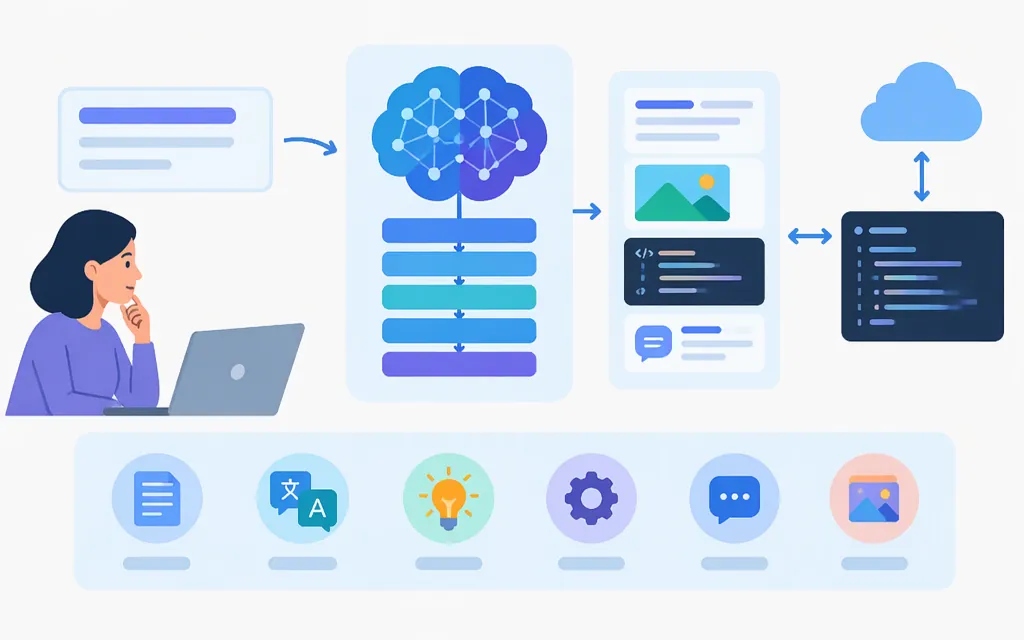
In generative AI, GLM stands for General Language Model. The 2021 GLM paper introduced it as a pretraining framework based on autoregressive blank infilling. Today, GLM is also the name of a family of models offered by Z.ai; names such as GLM-5.3 and GLM-4.7 identify individual models, not the whole family. (arxiv.org)
GLM can also mean “generalized linear model” in statistics. That is a different concept; here, GLM refers to generative-AI models.
What can GLM models do?
Z.ai documents models for work such as coding, reasoning, tool use, long-context tasks, and speech transcription. Capabilities and context limits vary by model. For example, Z.ai lists GLM-5.3 as text-only, with a 1-million-token context window and reasoning always enabled. Its model guide positions GLM-5.3 for complex software engineering and agent tasks. (docs.z.ai)
| Workload to evaluate | Model to consider | What Z.ai documents |
|---|---|---|
| Complex software engineering and agent tasks | GLM-5.3 | Text-only input, a 1M-token context window, and reasoning that is always enabled. The guide describes it as a flagship for software engineering and agent capabilities. (docs.z.ai) |
| Long-running project or codebase work | GLM-5.2 | A 1M-token context; Z.ai positions it for project-scale engineering and long-horizon tasks. (docs.z.ai) |
| Coding, multi-step reasoning, and tool use | GLM-4.7 | A 200K-token context; its guide describes programming, multi-step reasoning and execution, complex agent tasks, and tool invocation. (docs.z.ai) |
| Audio transcription | GLM-ASR-2512 | A separate transcription model. Z.ai documents an audio-transcription API and describes multilingual and real-time transcription support. (docs.z.ai) |
These are documented options, not a guarantee of performance on your workload. Check the current model documentation for your intended provider and API channel, then test representative prompts, tools, audio, and traffic before choosing.
Using GLM through a production API
Z.ai documents a chat-completions API using Bearer-token authentication. The example below uses the glm-5.3 model ID and the standard Z.ai API route. Z.ai also documents a different base URL for users whose GLM-5.3 access is through a Coding Plan, so confirm which route applies to your account before integrating. (docs.z.ai)
curl https://api.z.ai/api/paas/v4/chat/completions \
  -H "Authorization: Bearer $ZAI_API_KEY" \
  -H "Content-Type: application/json" \
  -d '{
    "model": "glm-5.3",
    "messages": [
      {"role": "user", "content": "Summarize this incident report."}
    ],
    "stream": false
  }'
For a non-streaming chat completion, Z.ai documents a choices array containing an assistant message and a usage object that can include prompt, completion, cached, and total token counts. Keep API keys server-side and consult the current API reference for supported parameters and response details. (docs.z.ai)
Z.ai’s published GLM-5.3 API token rates are $1.40 per 1 million input tokens, $0.26 per 1 million cached input tokens, and $4.40 per 1 million output tokens. The same pricing table lists cached-input storage as free for a limited time. These are Z.ai’s listed rates; check the pricing page for current terms and use the relevant provider’s own rates if you access the model elsewhere. (docs.z.ai)
What about Token Forge Cloud?
Token Forge Cloud’s public site says it provides production APIs for GLM. The public information cited here does not specify which GLM model IDs are available through that service or establish its endpoint, authentication and request details, limits, or pricing. Confirm those specifics with the provider before planning an integration; do not assume its model catalog or API behavior matches Z.ai’s. (tokenforgecloud.com)
How to decide whether GLM fits your workload
- Define the task. Separate coding, tool-using agents, long-context analysis, and audio transcription; they may call for different models and API features.
- Choose an exact model ID. Check the model’s documented capabilities and context limit for the provider and channel you plan to use.
- Confirm integration details. Verify the endpoint, authentication, request and response format, supported tools, output limits, and any account or rate limits.
- Test your own workload. Measure quality, latency, token use, and failure handling using representative data and traffic. Vendor benchmarks are not production guarantees.
- Estimate cost using the right rate card. Use the selected provider’s current input, cached-input, and output rates and your expected usage.
Bottom line: GLM is both the name of a language-model pretraining framework and the name of Z.ai’s model family. Compare specific versions—not the family as a whole—and verify the model ID, access route, limits, and pricing for your chosen API provider before deployment.
Sources
GLM: General Language Model Pretraining with Autoregressive Blank Infilling
GLM-5.3 — Z.ai Developer Documentation
GLM-5.2 — Z.ai Developer Documentation
GLM-4.7 — Z.ai Developer Documentation
GLM-ASR-2512 — Z.ai Developer Documentation
Audio Transcriptions — Z.ai API Reference
Chat Completion — Z.ai API Reference
Z.ai API Reference — Introduction