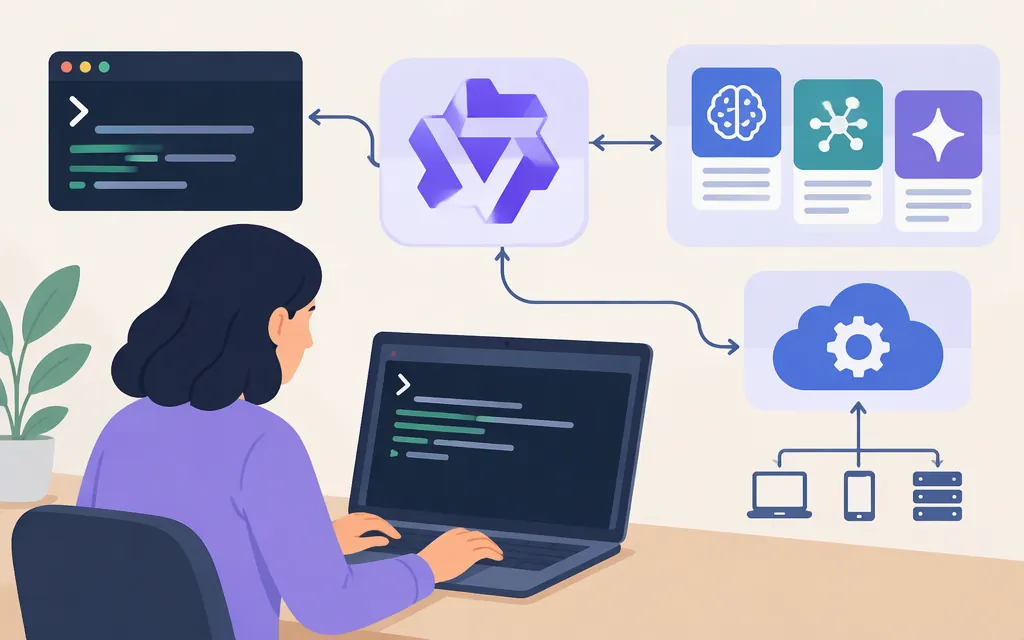
What is Qwen Code?
Qwen Code is an open-source AI agent for terminal-based coding workflows. It lets developers give engineering tasks to AI in natural language. Depending on its configured tools and permissions, it can access local information and run commands; the exact actions available depend on the setup. [1][2]
Qwen Code is the developer-facing tool. Qwen Coder and Qwen3-Coder are model names. A model API is an interface an application can use to send requests to a model. These terms describe different parts of an AI coding setup.
Qwen Code vs. Qwen models vs. a production API
| Term | What it means | When it fits |
|---|---|---|
| Qwen Code | An AI agent for interactive developer workflows, including terminal use. | You want AI assistance while working on engineering tasks. |
| Qwen coding models | Models that can power coding-related AI tasks. | You are selecting a model for a task or workflow. |
| Model API | An interface your application uses to send requests to a model. | You are building AI features into your own product or service. |
Alibaba Cloud documents connecting Model Studio models to Qwen Code. That kind of provider connection is not the same as integrating a model API directly into your application. [3]
If your goal is an AI-enabled product, assess the API, model, provider, authentication, and billing plan for the application you intend to build. If your goal is to assist developers while they work, assess Qwen Code and the tools and permissions in your chosen setup. The CLI’s capabilities alone do not establish that a model API is suitable for production.
What can developers use Qwen Code for?
Qwen Code is intended for interactive coding work. Its documented tools include access to local information and command execution, which may help with tasks such as exploring a repository or running development commands. The exact actions it can take—and whether particular actions require approval—depend on the configured permission mode. Check those settings before using it with a project, especially in a sensitive workflow. [2]
What to check before choosing it
- Workflow fit: Do developers need an interactive coding agent, or does your product need direct model API calls?
- Provider and model: Confirm that your intended provider, model, and authentication setup are supported. Model Studio documents its own connection options; do not assume every provider or billing plan uses the same configuration. [3]
- Permissions: Review the configured tools and permission mode. Do not assume every file or command action will prompt for approval.
- Production requirements: For a customer-facing service, assess the API and provider for the specific model and plan you intend to use. Qwen Code’s developer-tool features do not, by themselves, establish production readiness or service guarantees.
Bottom line: Choose Qwen Code when you want an AI agent to assist with developer work. Choose a model API when your application needs to call a model directly. They can be used in the same broader setup, but they are not interchangeable.