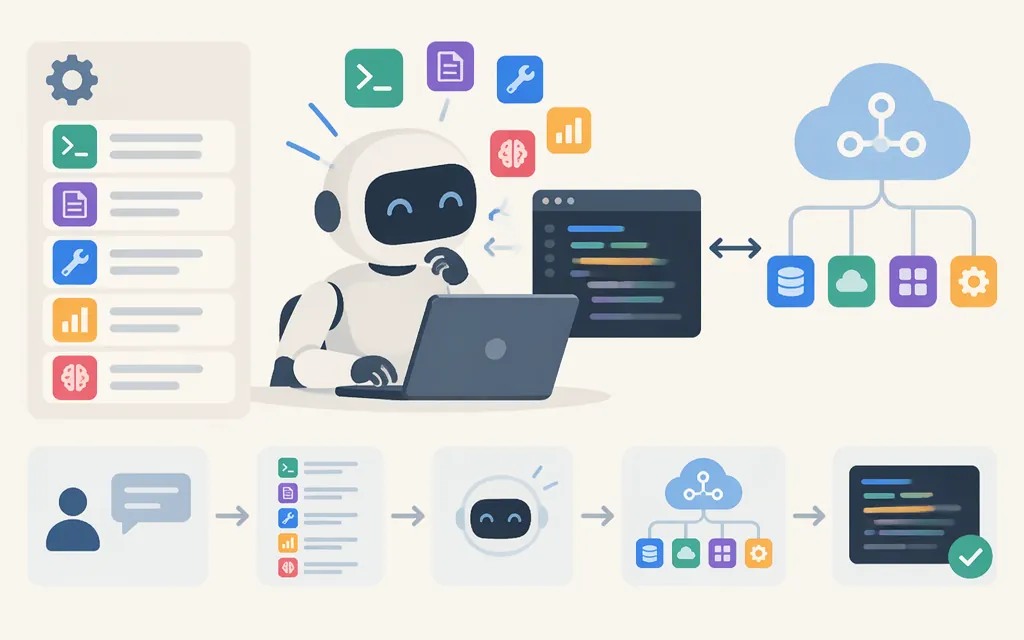
Skills in Claude Code are reusable instruction files that give Claude a procedure for a particular task. Put the workflow in a SKILL.md file, then invoke it with a slash command such as /commit-check or let Claude choose it when relevant. For example, a skill can describe how to review code changes using your team’s checklist and preferred report format. Unlike a one-off prompt, the workflow is available to reuse. (code.claude.com)
How to create and use a basic skill
For a skill associated with a project, create this file in the repository:
.claude/skills/commit-check/SKILL.md
A user-level skill can instead live at:
~/.claude/skills/commit-check/SKILL.md
The SKILL.md file contains YAML frontmatter followed by Markdown instructions. Anthropic’s skills guidance identifies name and description as required metadata. This example uses commit-check as the name:
---
name: commit-check
description: Review code changes for likely bugs and missing tests before a commit.
---

# Commit check

1. Review the current changes for likely bugs.
2. Identify relevant or missing tests.
3. Report findings with file and line references where possible.
4. Do not modify files unless the user asks.
In Claude Code, invoke this example with /commit-check. Claude Code can also load a skill when it judges the task relevant; a description helps Claude determine when it applies, but it does not guarantee automatic selection. The example’s review steps are illustrative, not a tested review procedure. (code.claude.com)
When to use a skill—and when not to
Use a skill for a repeatable workflow with instructions you want to reuse, such as a code-review checklist. Keep a one-time request in the prompt. For context that should apply across the project rather than only when a task matches, use CLAUDE.md; Claude Code documents that a skill’s body loads when the skill is used, while CLAUDE.md provides persistent context. (code.claude.com)
Skills and MCP serve different purposes: a skill provides instructions for a workflow, while an MCP connector provides access to an external service. A skill can explain how to use a connected service, but does not itself connect Claude to that service. (claude.com)
Quick choice: use a prompt for a one-off task, CLAUDE.md for ongoing project context, a skill for a reusable workflow, and MCP when Claude needs access to an external tool or service.
Can you use skills with a production model API?
Yes, but do not assume a skill in Claude Code is automatically discovered by a direct API integration. Anthropic documents different setup paths for the Claude Agent SDK and the Messages API. (code.claude.com)
- Claude Agent SDK: The SDK can load filesystem-based Claude Code features, including skills. If you specify settings sources, include
projectfor project skills anduserfor personal skills (settingSourcesin TypeScript orsetting_sourcesin Python). With default query options, the SDK reads user and project sources. (code.claude.com) - Messages API: Skills are selected through the request’s
containerparameter, using a skill ID and type, with an optional version. The request must enable the code execution tool and use a model listed as supporting it. This is an API integration—not automatic discovery of aSKILL.mdfolder in your repository. The current Skills API guide says the Skills API is out of beta and does not require a beta header. (platform.claude.com)
So skills can be used in production, but the application must use the configuration appropriate to its runtime. Check Anthropic’s current model-support and API documentation when implementing; do not treat SDK filesystem skills and Messages API skills as interchangeable by default. (platform.claude.com)
Bottom line
Claude Code skills are reusable workflows centered on SKILL.md. Put a project skill in .claude/skills/ or a personal skill in ~/.claude/skills/, then invoke it by its slash-command name or let Claude select it when relevant. For production, choose the Agent SDK to load filesystem-based Claude Code features, or configure skills explicitly through the Messages API’s container integration.
Sources
Extend Claude with skills — Claude Code Docs
Extend agents with skills — Claude Code Docs
Use Claude Code features in the SDK — Claude Code Docs
Using Agent Skills with the API — Claude Platform Docs
Equipping agents for the real world with Agent Skills — Anthropic