Short answer
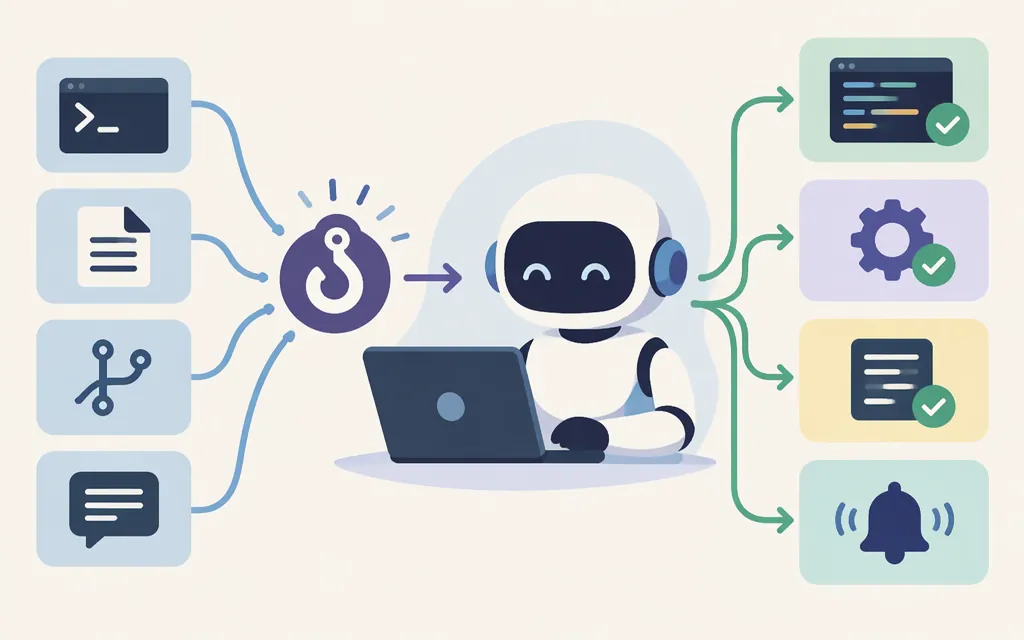
The primary purpose of hooks in Claude Code is to trigger configured actions at specific points in its workflow. They let you automate or control steps—such as formatting code after edits—rather than relying only on Claude to remember to do them. Anthropic describes hooks as providing deterministic control over configured actions; that does not mean every Claude behavior is deterministic or that a hook’s command cannot fail.
Why use a hook instead of a prompt or CLAUDE.md?
A prompt or CLAUDE.md instruction asks Claude to perform an action. A hook connects an action to a configured lifecycle event. Anthropic uses formatting as an example: a hook can run formatting automatically after code edits, instead of leaving the step to Claude’s judgment.
Rule of thumb: use guidance for preferences or instructions that require judgment; consider a hook when an action should be triggered at a particular workflow point. The hook can trigger the action, but the underlying command or check may still fail.
Example: format code after edits
Suppose your project wants edited files formatted automatically. A PostToolUse hook is a suitable choice when formatting should happen after Claude uses a tool to edit a file. Anthropic’s hooks guide lists auto-formatting after edits as a use case. Choose the event based on when you want the action to occur: before a tool call, after one, or at another supported lifecycle point. (code.claude.com)
How does this relate to a production model API?
Claude Code hooks are documented as a Claude Code workflow feature. Anthropic’s platform documentation describes the Messages API as direct model access, a separate developer surface; it does not make the Claude Code hooks guide an API setup guide. (platform.claude.com)
There is also a separately named feature, Inference hooks, for Claude Enterprise organizations: an organization’s AI security server can allow or deny governed inference requests before they proceed. The Platform docs describe those server-side policy checks separately from Claude Code’s workflow hooks. So if you mean a production, organization-wide policy check, investigate Inference hooks; if you mean automating steps in a Claude Code session, the relevant feature is Claude Code hooks. (platform.claude.com)
Bottom line
Hooks connect actions to workflow events so those actions can be triggered at the intended moment. Use one when timing and repeatability matter; use prompts or project guidance for behavior that calls for Claude’s judgment. A hook is an automation trigger, not a guarantee that its command succeeds.
Sources
Automate actions with hooks — Claude Code Docs
Hooks reference — Claude Code Docs
Inference hooks — Claude Platform Docs