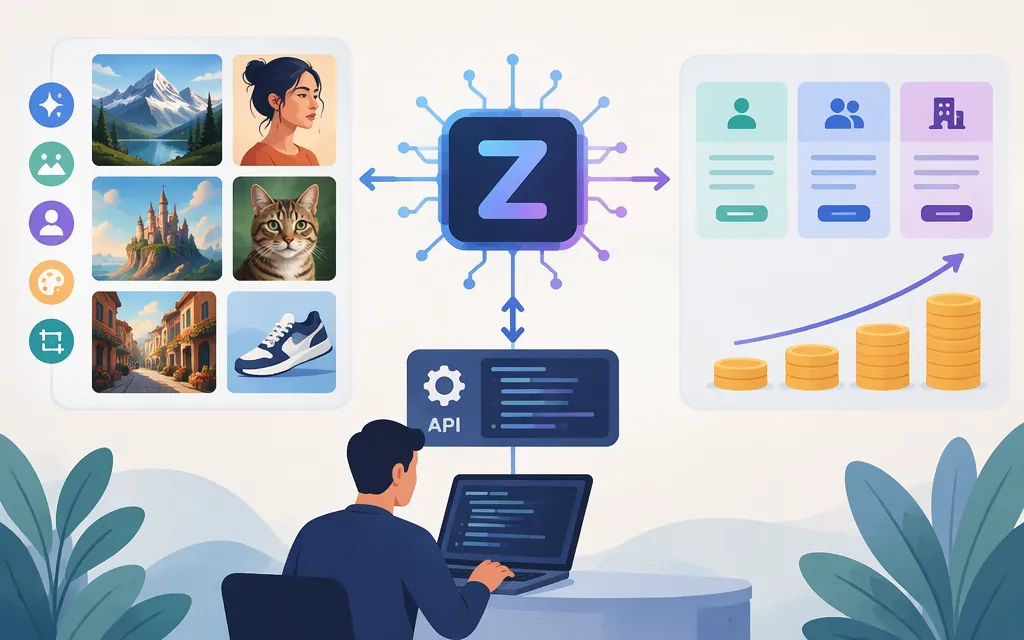
What is the Z-Image AI model?
Z-Image is a 6-billion-parameter image-generation model family; Z-Image-Turbo is its distilled, fast text-to-image variant. Alibaba Cloud Model Studio documents a hosted API for the specific model ID z-image-turbo. The family description and Turbo distinction come from the Tongyi-MAI project; the API guidance below applies to Alibaba Cloud’s hosted Turbo service, not automatically to every Z-Image checkpoint or third-party host. (github.com)
| If your priority is… | What to assess |
|---|---|
| Hosted text-to-image generation | Alibaba Cloud Model Studio’s z-image-turbo API, regional availability, per-image price, and your own latency and quality requirements. |
| Local experimentation | The official Tongyi-MAI project and model checkpoints; local use requires managing your own downloads, hardware, and inference workflow. (github.com) |
| Editing existing images | Don’t assume the hosted Turbo API supports editing. Alibaba’s model guidance lists Turbo for text-to-image and says editing is not supported. (help.aliyun.com) |
| Exact text in finished artwork | Test representative prompts and proof every result. A third-party review reports mixed text-rendering results, but its examples are anecdotal—not an accuracy rate. |
Capabilities and limitations that affect model choice
Alibaba’s API reference describes z-image-turbo as a text-to-image model. It specifies PNG output and one image per request. The size parameter accepts a width-by-height resolution, subject to a total-pixel range of 512 × 512 to 2048 × 2048; the reference also provides recommended dimensions for common aspect ratios. These are API constraints, not guarantees of image quality for a particular prompt. (help.aliyun.com)
For a practical evaluation, try prompts drawn from your actual work—such as a product image, a portrait, and a design with short Chinese or English text. Hold prompt and size constant, then assess composition, detail, spelling, and consistency against your own acceptance criteria. This is a suggested evaluation, not a test conducted for this guide.
A Cybernews review describes strong portrait and natural-scene results, but also says outputs can look overly polished and text rendering can vary. In one reported poster example, “Cybersecurity” was misspelled; in another, “Global AI Trends” appeared correctly on a newspaper. Those are individual examples, not evidence of a general success rate. For brand names, headlines, or other text-critical assets, plan to proof and correct outputs rather than relying on the image model alone.
Keep native model capability separate from workflow integrations. Cybernews describes inpainting and outpainting through ComfyUI or image-to-image workflows, and upscaling through separate tools—not as dedicated native Turbo features. Alibaba’s model guidance also identifies Turbo as text-to-image, not an editing model. If editing is essential, treat it as a separate requirement and verify the exact tool or model that will provide it. (help.aliyun.com)
Is there a production API for Z-Image?
Yes. Alibaba Cloud Model Studio documents a synchronous HTTP API for z-image-turbo. For Beijing, the documented workspace-specific route is:
POST https://{WorkspaceId}.cn-beijing.maas.aliyuncs.com/api/v1/services/aigc/multimodal-generation/generation
For Singapore, it is:
POST https://{WorkspaceId}.ap-southeast-1.maas.aliyuncs.com/api/v1/services/aigc/multimodal-generation/generation
Replace {WorkspaceId} with the workspace ID for the relevant region, and check that the model is available there. The docs say existing regional domains remain functional, but recommend migrating to workspace-specific domains. (help.aliyun.com)
The documented request uses Content-Type: application/json and an Authorization: Bearer <API-key> header. Its JSON body identifies z-image-turbo as the model and supplies one user message containing one text prompt. The prompt supports Chinese or English and is limited to 800 characters. The optional size control uses width*height; optional prompt_extend enables prompt rewriting, and seed controls the random seed. The API reference gives a default size of 1024*1536 and notes that generation can still vary even with the same seed. (help.aliyun.com)
The response is synchronous and returns a PNG image in the response content, along with image dimensions and a request ID in the documented example. One API example shows the image as a URL with an Expires query parameter, but the retrieved documentation does not establish the URL’s lifetime. If your integration needs durable storage, retrieve and store the image promptly, and confirm the applicable URL-expiration behavior with the provider. The reference shows successful and error response examples, including 400, 401, and 429; it does not, in the retrieved material, establish retry rules or an uptime commitment. (platform.qianwenai.com)
Alibaba’s model-information page lists a limit of 120 requests per minute for the displayed Beijing and international scopes. Confirm the rate limit and model availability for your own region and account before sizing production traffic; a rate limit is not an SLA. (help.aliyun.com)
Community Python scripts, CLI tools, Docker images, and third-party hosted services are separate options. Their existence does not establish the terms or support level of Alibaba’s API. A third-party generator page, for example, mentions API use only in a testimonial, not in technical documentation.
API pricing and local deployment trade-offs
Alibaba Cloud’s global English model-information page lists original API prices per image, excluding limited-time promotions. The page gives these amounts in USD: (alibabacloud.com)
| Published scope | Listed billing item | Price | Unit |
|---|---|---|---|
| China (Beijing) | Image Generation (Standard) | US$0.01434 | Per image |
| China (Beijing) | Image Generation (Thinking) | US$0.02868 | Per image |
| International scope (Singapore) | Image Generation (Standard) | US$0.015 | Per image |
| International scope (Singapore) | Image Generation (Thinking) | US$0.03 | Per image |
The same model-information page separates Standard and Thinking billing items, but the retrieved materials do not clearly explain which request setting or condition selects each item. The API reference documents prompt_extend as a control that adds cost, but the material retrieved here does not establish that it maps directly to the Thinking price. Don’t treat these billing labels as user-selectable tiers without confirming the applicable billing rule in your Model Studio account. Alibaba’s regional documentation can also show different currencies and amounts; check the current console price for your account and region before budgeting. (alibabacloud.com)
These are hosted Model Studio API prices—not a universal price for every Z-Image provider, a subscription price, or the cost of running open weights locally. A fair local-versus-API comparison should include your own GPU, electricity, storage, and operations costs. A Cybernews review gives GPU timing examples, but its H800 figures conflict—under one second in one passage and 2–7 seconds in another—and it does not provide comparable test conditions. Treat those figures as review estimates, not a reliable speed ranking against the hosted API.
Commercial rights: model license versus API terms
The official Hugging Face page for Tongyi-MAI/Z-Image-Turbo labels that checkpoint Apache-2.0. Confirm the license attached to the exact weights you plan to use, and review hosted-service terms separately; an open-weight license does not by itself establish the terms for an API account or service.
Cybernews also summarizes commercial use as allowed while referring to additional Alibaba terms, but its captured review does not detail those terms. Treat that summary as a third-party claim, not a legal determination. Review the applicable model license and provider terms before commercial deployment.
Bottom line
Z-Image-Turbo is worth evaluating when you need text-to-image generation and Alibaba Cloud’s documented regional API, one-image-per-request output, resolution range, and account-specific pricing fit your workload. It is a weaker fit if you require built-in editing, multiple images in a single request, or dependable exact typography without review. Test representative prompts, verify regional access and billing rules, and confirm the service terms and operational requirements before production use. (alibabacloud.com)
Sources
Tongyi-MAI/Z-Image — official project repository
Z-Image API reference — Alibaba Cloud Model Studio
z-image-turbo model information — Alibaba Cloud Model Studio
z-image-turbo model information — Alibaba Cloud Model Studio, global English page
Image generation and editing — Alibaba Cloud Model Studio
Tongyi-MAI/Z-Image-Turbo — Hugging Face