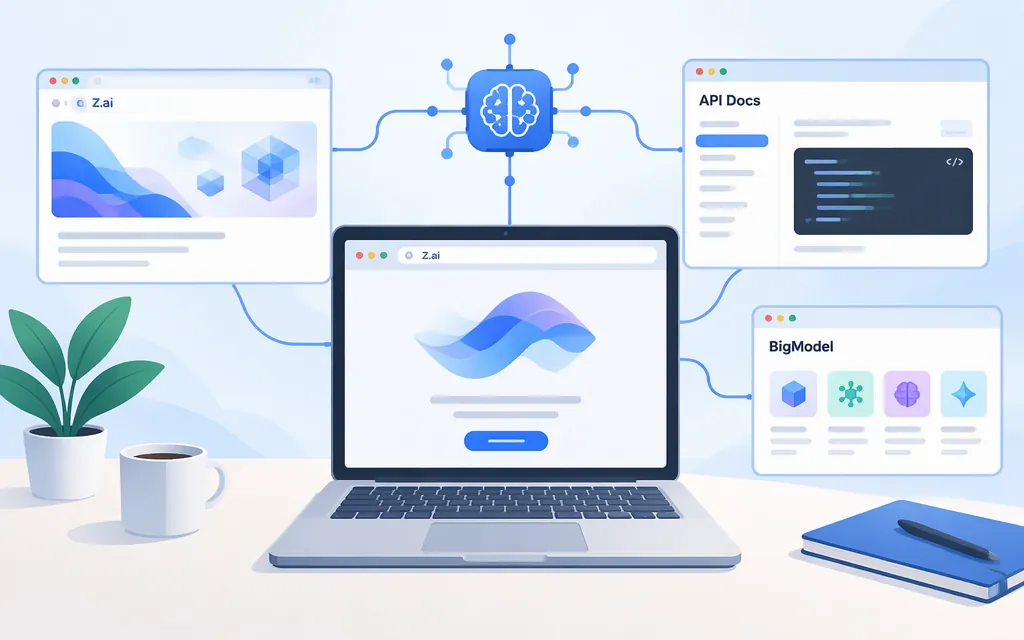
For Zhipu AI company information in English, start at the Z.ai English company site. Its About page discusses Zhipu AI’s model history and development milestones. For API access, visit the Z.ai API Platform and its developer documentation. The BigModel platform is another destination listed by a third-party provider guide for mainland China users; treat that regional direction as the guide’s advice, not a universal eligibility rule.
Which site should you use?
| What you need | Destination |
|---|---|
| Company information in English | Z.ai English company site |
| GLM API access | Z.ai API Platform |
| API guides and reference | Z.ai developer documentation |
| BigModel platform | BigModel |
Z.ai consumer assistant |
Z.ai |
A third-party Roo Code provider guide lists the Z.ai API Platform for international users and BigModel for mainland China users. Its region-specific endpoints are described for the Roo Code integration, not as universal instructions. For Z.ai’s general API, its reference lists https://api.z.ai/api/paas/v4 and Bearer authentication. If you use a product-specific plan, check that plan’s official endpoint instructions before configuring a client. (API reference)
Before using a GLM model in production
Check the official documentation for the account and product you’ll use, then test the model against your own workload:
- Confirm the key type.
Z.ai’s quick start says keys for different product types—including the standard model API and Coding Plan—are managed separately and are not interchangeable. (Z.aiquick start) - Check the exact model ID and availability. Use the official model overview and confirm the ID is available to your account and product. Don’t assume a third-party gateway’s catalog is the direct
Z.aicatalog. - Match capabilities to your application. Check the model’s own documentation for the capability you need and its supported request format. For example, the GLM-5 documentation lists text input and output, a 200K context length, and streaming. Those specifications are for GLM-5, not every GLM model. (GLM-5 documentation)
- Review pricing and operational fit. Consult the official pricing information, then test representative prompts, expected input and output sizes, latency, and failure handling. A price or capability label by itself does not establish that a model will meet your production requirements.
For direct Z.ai API setup, consult the API reference for the general endpoint and authentication. Confirm the endpoint and key instructions that apply to your specific product before adapting an integration.
Direct Z.ai API or third-party gateway?
A third-party gateway may use its own API keys, model IDs, endpoints, prices, and billing terms. Those details describe that gateway and should not be mistaken for Z.ai’s direct API terms. Verify the model and conditions with the service your application will actually call.
In short: use the Z.ai English company site for company information, z.ai/model-api for Z.ai API access, docs.z.ai for developer guidance, and open.bigmodel.cn for BigModel. Before production, confirm your product’s endpoint and key type, the model ID available to your account, and the capabilities your workload requires.